

A sales order is a document a seller issues to confirm a customer’s order and authorize fulfillment, while a purchase order is a document a buyer issues to authorize a purchase from a supplier. The two sit on opposite sides of the same transaction: one company’s purchase order becomes the counterpart’s sales order.
In the world of B2B transactions, keeping supply chain records straight is the difference between a smooth operation and an absolute logistics nightmare. Two documents sit right at the heart of this workflow: the purchase order and the sales order. The purchase order belongs to procurement, the function that buys goods and services for the company, while the sales order belongs to the seller.
While they often contain the exact same list of items, quantities, and financial totals, they serve completely opposite masters. Mistaking one for the other or failing to understand the operational difference between sales order and purchase order protocols leads directly to inventory errors, budget overruns, and fractured vendor relationships.
What Is a Purchase Order?
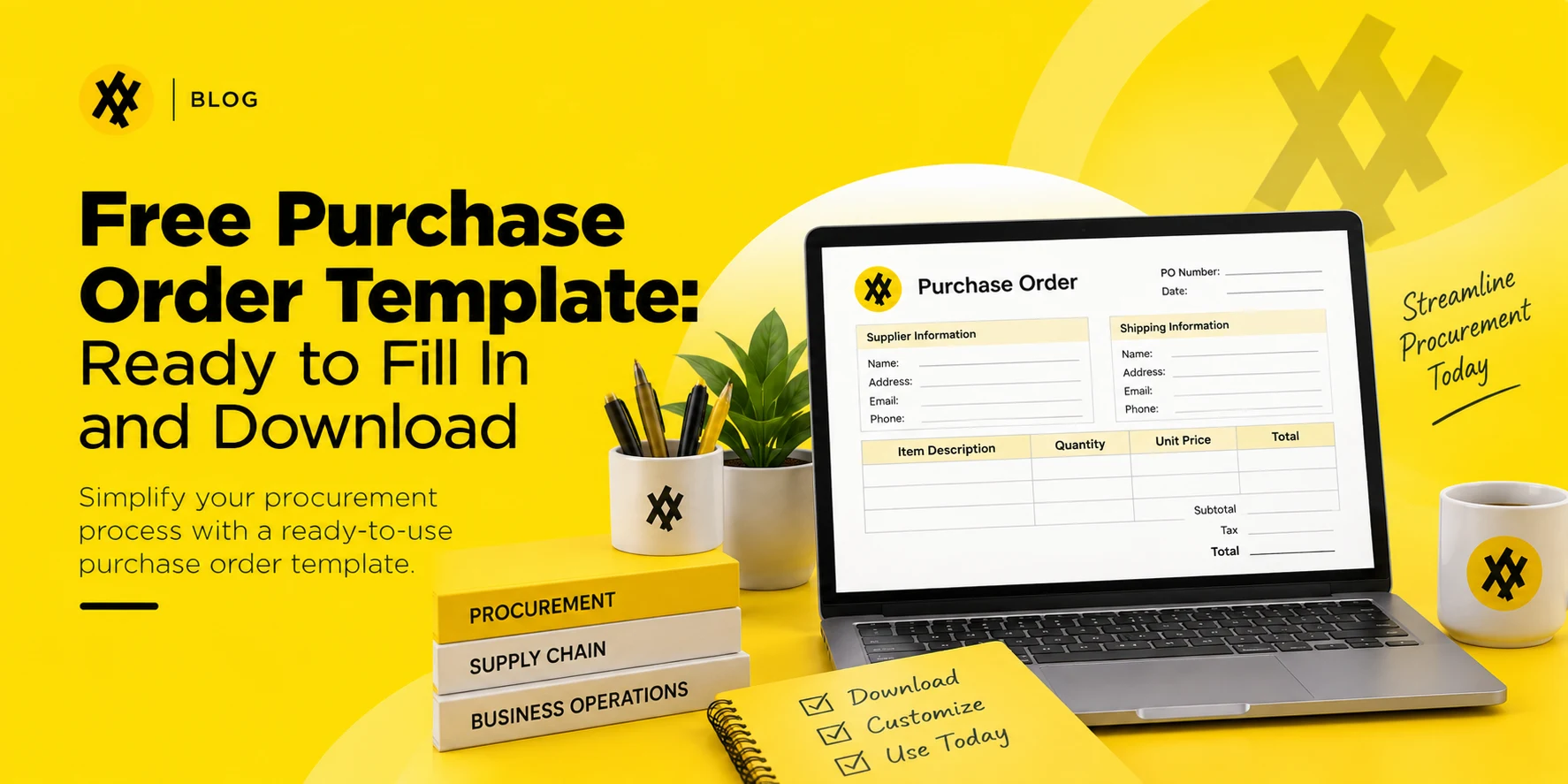
A purchase order (PO) is an official, formal document issued by a buyer to a supplier requesting specific goods or services. It acts as the external kick-off for a commercial transaction.
Key Components of a Purchase Order
- PO Number & Dates: A unique tracking number, alongside the issue date and expected delivery deadline.
- Counterparty Details: Full legal names, tax identifiers, and addresses for both the buyer and the supplier.
- Line-Item Breakdown: Granular item descriptions, SKUs, precise quantities, agreed unit prices, and total calculated costs.
- Terms & Conditions: Payment terms (e.g., Net 30), shipping responsibilities, and special handling instructions.
- Legal & Financial Weight: Once a supplier receives and accepts a purchase order, it becomes a legally binding contract. It represents the buyer’s firm commitment to pay for the specified items upon satisfactory delivery.
See How Zapro Keeps POs and Invoices in Sync

What Is a Sales Order?
A sales order (SO) is an internal document generated by the seller in response to a buyer’s purchase order or formal request. It serves as an official confirmation of the sale and acts as the internal green light that triggers the fulfillment, manufacturing, or shipping process.
Key Components of a Sales Order
- Sales Order Number: A unique internal reference number used by the seller to track the order through production and logistics.
- Customer Information: Shipping and billing profiles extracted from the buyer’s paperwork.
- Inventory & Delivery Specs: Confirmed items, allocated quantities, fixed pricing, and the actual fulfillment timeline.
- Payment Terms: Recapped financial terms aligned with the customer’s account configuration.
An SO is primarily an operational anchor for the seller. It moves the transaction out of the hands of the sales rep and into the hands of the inventory managers, warehouse packers, and billing teams, confirming that the seller can and will deliver exactly what the buyer requested.
Learn about Purchase Order Management Tools
Sales Order vs. Purchase Order: Key Differences
While both documents outline the details of the same transaction, their core roles, tracking objectives, and operational impacts are entirely distinct:
| Feature | Purchase Order (PO) | Sales Order (SO) |
| Who Creates It? | The Buyer (Procurement/Finance team) | The Seller (Sales/Fulfillment team) |
| Primary Purpose | Initiates the transaction; signals a formal intent to buy. | Confirms the transaction; signals an intent to fulfill and ship. |
| Recipient | Sent externally to the vendor. | Kept primarily internal; copy shared with the buyer as confirmation. |
| Internal Controls | Drives budget tracking, spend accountability, and cash flow forecasting. | Manages inventory allocation, manufacturing schedules, and logistics. |
| Downstream Match | Matched against the receiving slip and final invoice (Three-Way Matching). | Matched against the packing slip and transformed into a customer invoice. |
In practice, AP Automation Software is usually what performs this three-way match, reconciling the PO, receipt, and invoice automatically ahead of the payment run.
How Sales Orders and Purchase Orders Work Together
To understand the relationship between a sales order purchase order workflow, let’s look at how they interact in a standard business transaction. Imagine an enterprise company ordering 100 units of high-end office ergonomic chairs:
[Buyer] Generates PO (100 Chairs) ─────► Sent to ─────► [Seller] Reviews Availability
│
[Buyer] Holds for Delivery ◄───── Sends Confirmation ◄───── Generates SO (Allocates Stock)
- PO Issuance: The buyer’s procurement team creates PO #4401 for 100 chairs at $250 per unit. This goes through internal approvals to freeze $25,000 of the department budget before being emailed to the furniture manufacturer.
- SO Generation: The manufacturer receives PO #4401. Their order desk verifies inventory availability, accepts the terms, and logs SO #9982 in their own system. This SO formally allocates 100 chairs from the warehouse stacks so they cannot be sold to anyone else.
- Fulfillment: The warehouse uses SO #9982 as a picking and packing guide to load the delivery trucks.
- Billing and Matching: Once the chairs arrive at the buyer’s loading dock, the manufacturer converts SO #9982 into an external Invoice. The buyer’s accounts payable team takes that invoice and runs a compliance check against the original PO #4401 to ensure the item counts and unit rates line up perfectly before releasing payment.
Sales Order vs. Purchase Order vs. Invoice vs. Quote
To see exactly where each document lives in the transactional lifecycle, look at this chronological breakdown:
- Quote: A non-binding price estimate issued by the seller. It outlines potential costs and availability. Precedes the transaction.
- Purchase Order: The buyer’s formal, binding request to buy based on the quote or catalog pricing. Initiates the transaction.
- Sales Order: The seller’s internal confirmation of the PO, which officially reserves inventory and schedules logistics. Triggers fulfillment.
- Invoice: The seller’s formal request for payment issued during or after delivery. Closes the transaction.
Types of Sales Orders
Standard Sales Order
The most common variation. A one-time internal authorization issued to fulfill a single, straightforward delivery of standard products or services.
Rush Order
An expedited fulfillment document generated when a client requires an urgent shipment. It bypasses standard queues and triggers immediate warehouse packing.
Scheduling Agreement Order
Used for long-term customer relationships. It maps out recurring deliveries of set quantities over a predetermined timeline (e.g., shipping 10 crates of raw components on the first of every month for a year).
Third-Party Order
An order configuration where the seller does not fulfill the stock directly from their own warehouse. Instead, the SO routes the delivery instruction to a third-party manufacturer who ships the product directly to the end customer.
Types of Purchase Orders
Standard Purchase Order (SPO)
A one-time transactional document used for a clearly defined purchase. It states the exact items, prices, and single delivery dates upfront.
Blanket Purchase Order (BPO)
An enterprise agreement covering repetitive purchases over a set period (usually a year). The unit prices and maximum spend limits are locked in upfront, and the buyer issues periodic “releases” to call off deliveries as needed.
Contract Purchase Order (CPO)
A high-level corporate agreement that sets out overarching legal terms, guidelines, and pricing structures. Individual standard POs are then issued over time, referencing this master contract to speed up administrative approvals.
Common Mistakes to Avoid with Sales Orders and Purchase Orders
Mismatched Details Between PO and SO
Discrepancies in line-item quantities, freight terms, or unit costs between the buyer’s PO and the seller’s SO are the single greatest source of delivery delays and payment disputes. If these two documents don’t align perfectly on day one, your financial close will face downstream friction.
Using a PO or SO as an Invoice
Neither a purchase order nor a sales order is a valid request for payment. Treating them as such throws off tax reporting, ruins general ledger accuracy, and creates severe internal audit failure risks. Payment must only ever be issued against a true tax invoice.
No PO Before Purchasing
When employees buy goods directly from vendors without an approved PO, it leads to maverick spend. Bypassing internal procurement protocols leaves finance completely blind to incoming liabilities until an unexpected invoice lands on an accounts payable desk.
Manual Tracking Across Spreadsheets
Relying on scattered Excel files and messy email threads to monitor open POs and SOs inevitably causes missing data, double ordering, and late-payment interest fees. Teams moving off spreadsheets can compare the best procurement software for PO tracking.
How Zapro Simplifies Purchase Order Management
Effective supply chain optimization requires tight control over your outlays. Zapro streamlines the full purchase order lifecycle, eliminating rogue spending while bringing total visibility to your workflows.
Automated PO Creation and Approval Workflows
Convert approved purchase requisitions into compliant, formatted purchase orders automatically. Zapro routes documents through custom-tailored internal approval chains based on cost thresholds, department codes, or risk profiles, cutting processing times from weeks to minutes.
Real-Time PO Tracking
Monitor the live status of every single purchase order from initial draft to final delivery and payment. Zapro provides your finance and procurement leaders with a centralized, scannable dashboard, completely removing the need to chase down manual updates over email.
Automated Three-Way Matching
Protect your cash margins against overbilling and duplicate charges. Zapro automatically runs compliance checks by cross-referencing incoming supplier invoices against your original PO line items and warehouse goods receipts, flagging anomalies before any funds leave your account.
Proactive Budget Controls
Catch budget overruns before they happen. Zapro tests every new purchase request against your live, real-time departmental budget caps at the PO creation stage, giving decision-makers absolute visibility into operational spend before commitments are made. To size the investment, review Zapro pricing alongside your current PO volume.
Want to bring order to your procurement process? [See how Zapro works →]

Bring Order to Your Purchase Order Process
Automate PO creation, approvals, and three-way matching while keeping full control over budgets — all on one platform.
Frequently Asked Questions
1. What is the difference between a sales order and a purchase order?
The primary difference lies in who generates the document and why. A purchase order is created by a buyer to officially request goods from a vendor, driving budget control. A sales order is created by the seller to confirm that request, driving internal inventory allocation and warehouse fulfillment.
2. Who creates a purchase order and who creates a sales order?
A purchase order is always generated by the buying entity’s procurement or finance department. A sales order is always generated by the selling entity’s order management or sales operations team.
3. Can a purchase order be used as an invoice?
No. A purchase order is an initial request for goods, while an invoice is a subsequent demand for payment issued after those goods are prepared or delivered. They serve completely different accounting functions.
4. What are the main types of purchase orders?
The four standard variations used across commercial industries are Standard Purchase Orders (SPO), Blanket Purchase Orders (BPO), Contract Purchase Orders (CPO), and Planned Purchase Orders (PPO).
5. How do sales orders and purchase orders work together in procurement?
They act as mirror images of the same deal. The buyer issues a PO to state their requirements, and the seller ingests that PO to generate an SO, ensuring that both operational sides are completely aligned on quantities, pricing, and timelines before fulfillment begins. The same transaction is a payable for one party and a receivable for the other — the debit and credit rules explain why the mirror image works.
6. What is EOQ (Economic Order Quantity)?
EOQ assists companies in ordering the right amount of goods as to minimize the overall costs of ordering and storing goods. It achieves a balance where incurring costs of the storage of goods and costs of issuing of purchase orders are minimized. Businesses operating with this formula can be lean and at the same time have sufficient supplies.
Don’t miss our weekly updates
We’ll email you 1-3 times per week—and never share your information.
Struggling with PO and Invoice Mismatches?
Get expert guidance on automating purchase order workflows and three-way matching with Zapro.

About the Author

Md. Kafil


About the Reviewer

Zapro is dedicated to helping businesses of all sizes make informed decisions. We adhere to strict editorial guidelines to ensure that our content meets and maintains our high standards.
Our editorial standards help keep every article accurate, useful, and trustworthy.