


The best SpendMap alternatives are 1. Procurify 2. Precoro 3. Zapro 4. Tradogram 5. ProcurementExpress 6. ProcureDesk.
The best SpendMap alternative depends on how far past purchase orders you need to go. For PO approvals on a small budget, look at Tradogram or ProcurementExpress. For full procure-to-pay with matching, compare Procurify, Precoro and ProcureDesk. If you also need sourcing and contracts with unlimited users, look at Zapro.
SpendMap competitors: key takeaways
 Procurify: Best for mid-sized teams buying across many departments that want requests, POs, receiving, matching and supplier payments to 190+ countries from one vendor, priced by quote.
 Precoro: Best for mid-sized companies with several sites or entities that want 2-way and 3-way matching on a published plan, with Core from $499 a month billed annually.
 Zapro: Best for mid-market teams that need sourcing and contracts as well as POs, with unlimited users and plans from $699 a month. Your bank or ERP still pays suppliers.
 Tradogram: Best for small purchasing teams that want a low entry price, with Essentials at $99 a month and supplier payments to 150+ countries through TradoPay.
 ProcurementExpress: Best for grant-funded nonprofits that must follow 2 CFR 200, with plans priced by monthly managed spend instead of by user, from $415 a month.
 ProcureDesk: Best for US teams that buy through 200+ punch-out catalogs and want setup done for them, with go-live in 2 to 3 weeks per its pricing page.
SpendMap alternatives compared
SpendMap alternatives fall into three groups: low-cost PO and approval tools (Tradogram, ProcurementExpress), mid-market procure-to-pay (Procurify, Precoro, ProcureDesk) and source-to-pay (Zapro). The table compares who each tool is built for, its key features, ERP integrations, starting price and rating.
| Tool | Best for | Key features | ERP integrations | Starting price | Rating |
|---|---|---|---|---|---|
 SpendMap (for reference) | Modular PO software, cloud or on-premise | POs, requests, receiving, invoice approval, RFQs; inventory and punch-out on Enterprise | QuickBooks Online and Desktop; API and custom work on Enterprise | Free for 1 user; Pro $15 per module per user per month | Capterra 4.8 (24) |
| Procurify | All-round mid-sized P2P | Requests, POs, receiving; AP add-on with 2-way and 3-way matching; payments to 190+ countries | NetSuite, QuickBooks, Sage Intacct, Dynamics 365 Business Central | Vendr buyer data: median $15,000 a year | G2 4.6 (415) |
| Precoro | Mid-market P2P with published plans | Requests, POs, receipts, 2-way and 3-way matching on Core; inventory and punch-out on Automation | QuickBooks Online, Xero, NetSuite, Sage Intacct, Business Central | Core from $499 per month, billed annually | G2 4.7 (225) |
| Zapro | Source-to-pay with unlimited users | Intake, approvals, POs, RFI/RFP sourcing, contracts, 2-way and 3-way matching | NetSuite, QuickBooks, Sage Intacct, SAP, Oracle, Workday, Dynamics | $699 per month, unlimited users | G2 4.7 (14) |
| Tradogram | Low-cost broad procurement | POs from online carts, AI invoice capture, 3-way matching, RFQ/RFP on Premium, TradoPay to 150+ countries | QuickBooks, Xero, NetSuite, Sage, Business Central (paid add-on) | Essentials $99 per month | G2 4.3 (37) |
| ProcurementExpress | Nonprofit and grant-funded purchasing | Purchase requests with budget checks, PO approvals, SAM.gov screening; Amazon punch-out from Better | QuickBooks (Basic), Sage 50 (Better); NetSuite and Dynamics on Enterprise | Basic $415 per month | G2 4.7 (61) |
| ProcureDesk | Fast US setup with punch-out | Requests, POs, receiving, 3-way matching with OCR, 200+ punch-out catalogs, domestic bill pay | QuickBooks, Xero, NetSuite, Sage Intacct, Business Central; SAP S/4HANA on Enterprise | Startup $830 per month, billed annually | G2 4.4 (51) |
Find your SpendMap alternative
Choose a SpendMap alternative by the jobs you need beyond purchase orders, then check size, ERP and budget. SpendMap sells each module per user. It keeps inventory, punch-out, the supplier portal and AI Auto-Match on Enterprise, so start with the features you would pay Enterprise for. Pick the tab that fits you.
What you use SpendMap for
TradogramProcurementExpress.comProcurifyPrecoroTradogramZaproPrecoroTradogramZaproProcureDeskProcurifyCompany size
TradogramProcurifyPrecoroProcureDeskProcurementExpress.comYour ERP
PrecoroProcureDeskTradogramProcurifyProcureDeskZaproProcureDeskZaproProcurifyPrecoroProcureDeskBudget
TradogramProcurementExpress.comPrecoroZaproProcurifyWhy teams leave SpendMap, and what fixes it
Teams look past SpendMap mainly when module and user costs add up or key features sit on Enterprise. Others need contracts, ERP sync or supplier payments. SpendMap reviews are few: 24 on Capterra, too few to count themes. These reasons come from its own pricing, plan and module pages.
What SpendMap does well: a free plan for one user and an on-premise option with a perpetual license. Its modular pricing also lets small teams pay only for the modules they use.
What SpendMap doesn't cover, and who does
SpendMap covers purchase orders, requests, receiving, invoice approval, RFQs and inventory. Its own pages show no contract, payment, card or expense module and no RFP or auction events. Auto-matching and the supplier portal sit on Enterprise. The table shows which alternatives fill each gap, so you pay only for what you lack.
| If you need | In SpendMap | Alternatives that include it |
|---|---|---|
| Contract management with renewal alerts | No contract module in its module list | PrecoroProcurifyZapro |
| Automated 3-way matching | AI Auto-Match on Enterprise | PrecoroProcureDeskZapro |
| Supplier payments | No payment module in its module list | ProcurifyTradogramPrecoroProcureDesk |
| Supplier portal | Enterprise plan | PrecoroProcurifyZapro |
| RFP and auction events | RFQ module only; no auctions | TradogramZapro |
| Corporate cards | No card or expense module in its module list | ProcurifyPrecoro |
The 6 best SpendMap alternatives, reviewed
Each review below covers what the tool is built for, key features, pros, cons, pricing and the buyer it fits. Tradogram and ProcurementExpress cover POs and approvals at a lower price. Procurify, Precoro and ProcureDesk add receiving, matching and supplier payments, and Zapro adds sourcing and contracts.
Procurify: best for all-round mid-sized P2P
Best for All-round mid-sized P2P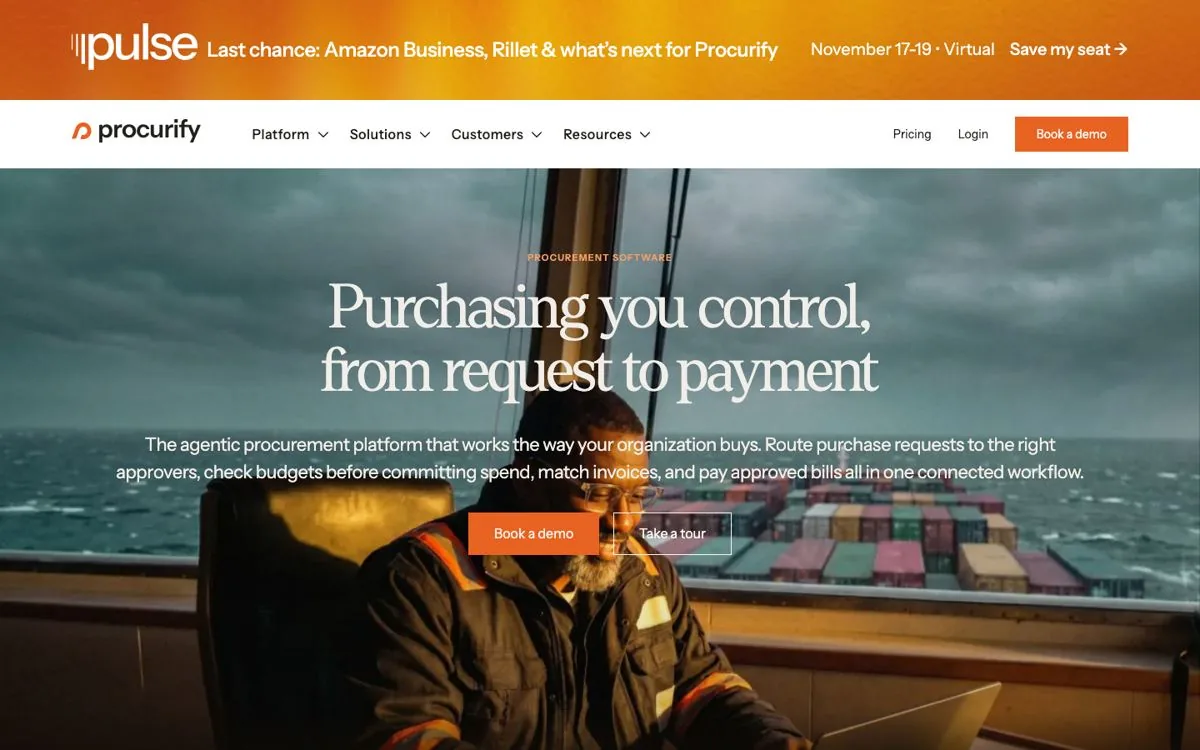
Procurify fits growing mid-sized teams that buy across many departments and want SpendMap's PO and receiving jobs plus matching and supplier payments. Every customer starts on its Purchasing product, then adds AP, Expense and Card, Guided Intake or Contracts. It pays vendors in 190+ countries, but each module is priced by quote.
Key features 6 features
- Purchase requisitions, approvals and POs in the base product
- Receiving, with automated 2-way and 3-way matching in AP
- Payments by ACH, check, wire and to 190+ countries
- Punch-out to Amazon Business, Staples, Home Depot and Grainger
- Contracts add-on to track spend against agreements
- Published rollout times: 4 weeks on Basic, 8 on Standard
Pros and cons 2 pros, 2 cons
Pros
- Free Basic users: requesters on Basic seats cost nothing, so the whole company can submit requests without raising the quote
- Payments built in: ACH, check, wire and payments to 190+ countries run from Procurify, so you avoid a separate payments tool
Cons
- No sourcing: its platform pages show no sourcing or RFx events, so teams that send RFQs in SpendMap today need another tool
- Separate modules: AP, expenses, contracts and intake are each priced on their own, so the full set costs more than the base
Pricing
Quote only, built from products, add-ons, Pro users and integrations. Vendr buyer data shows a median of $15,000 a year, from $4,210 to $40,000.
Best for
Mid-sized companies with many departments that want SpendMap's PO and receiving jobs plus invoice matching and supplier payments in one tool.
Verdict
Verdict: Procurify covers SpendMap's PO jobs plus matching and payments from one vendor. Ask for the full quote, because AP and cards are separate products.
Precoro: best for mid-market P2P with published plans
Best for Mid-market P2P with published plans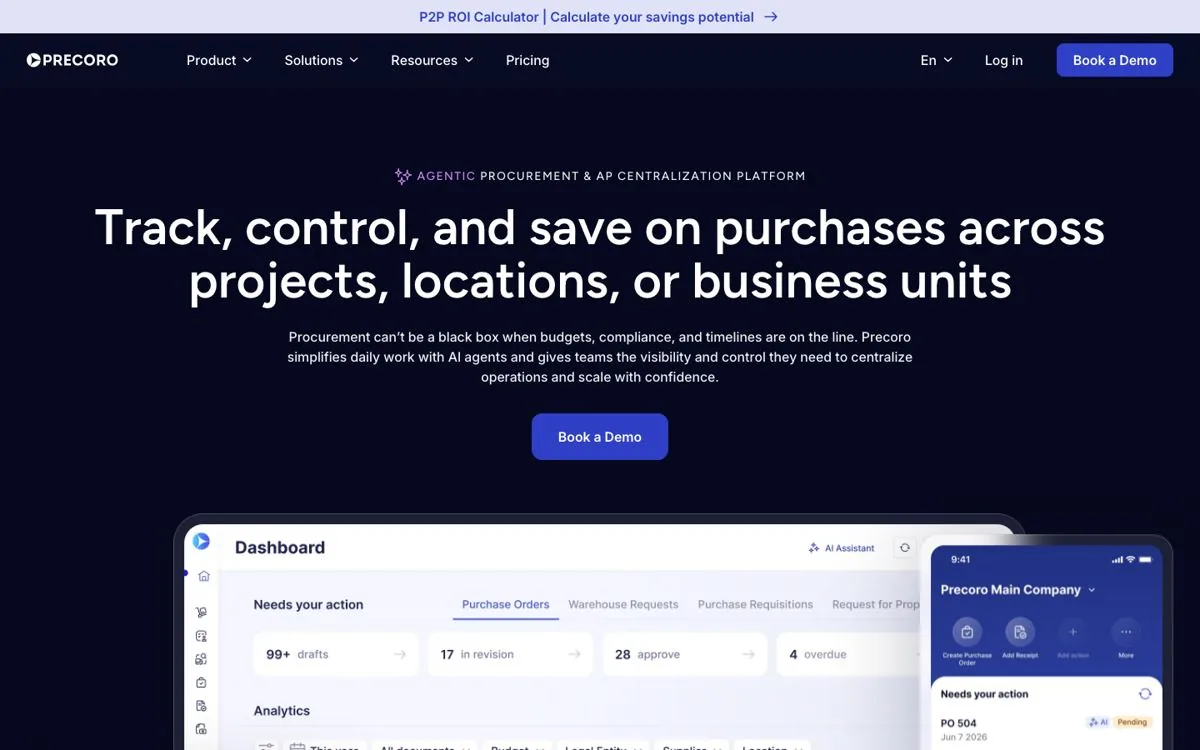
Precoro fits mid-sized companies with several sites or entities that want SpendMap Enterprise features on a published plan. Core includes 2-way and 3-way matching and a contract repository; inventory, punch-out and the supplier portal sit on Automation. Unlimited users come only on Enterprise, and its pricing page lists no user limit per tier.
Key features 6 features
- 2-way and 3-way matching on the Core plan
- No-code approval workflows by department, amount or project
- Budget controls by cost center with overspend alerts
- Inventory with stock requests and low-stock alerts (Automation)
- PunchOut to Amazon Business, Staples, Home Depot and Grainger (Automation)
- Contract repository, with a Contract Agent that flags renewals
Pros and cons 2 pros, 2 cons
Pros
- Published prices: Core starts at $499 and Automation at $999 a month, so you can budget before a sales call
- Fast rollout: Precoro says go-live takes 2 to 8 weeks without IT, which limits the internal time a switch needs
Cons
- User limits: unlimited users come only on Enterprise, so ask how many users Core and Automation include before you sign
- Gated automation: AI capture, inventory and punch-out need the Automation plan, which starts at $999 a month billed annually
Pricing
Core from $499 a month and Automation from $999 a month, billed annually; Enterprise custom.
Best for
Mid-sized companies with several locations that want SpendMap's Enterprise features, like matching and inventory, on a published mid-tier plan.
Verdict
Verdict: Precoro is a like-for-like swap for SpendMap's Enterprise features on a published plan. Check how many users each tier includes.
Zapro: best for source-to-pay with unlimited users
Best for Source-to-pay with unlimited users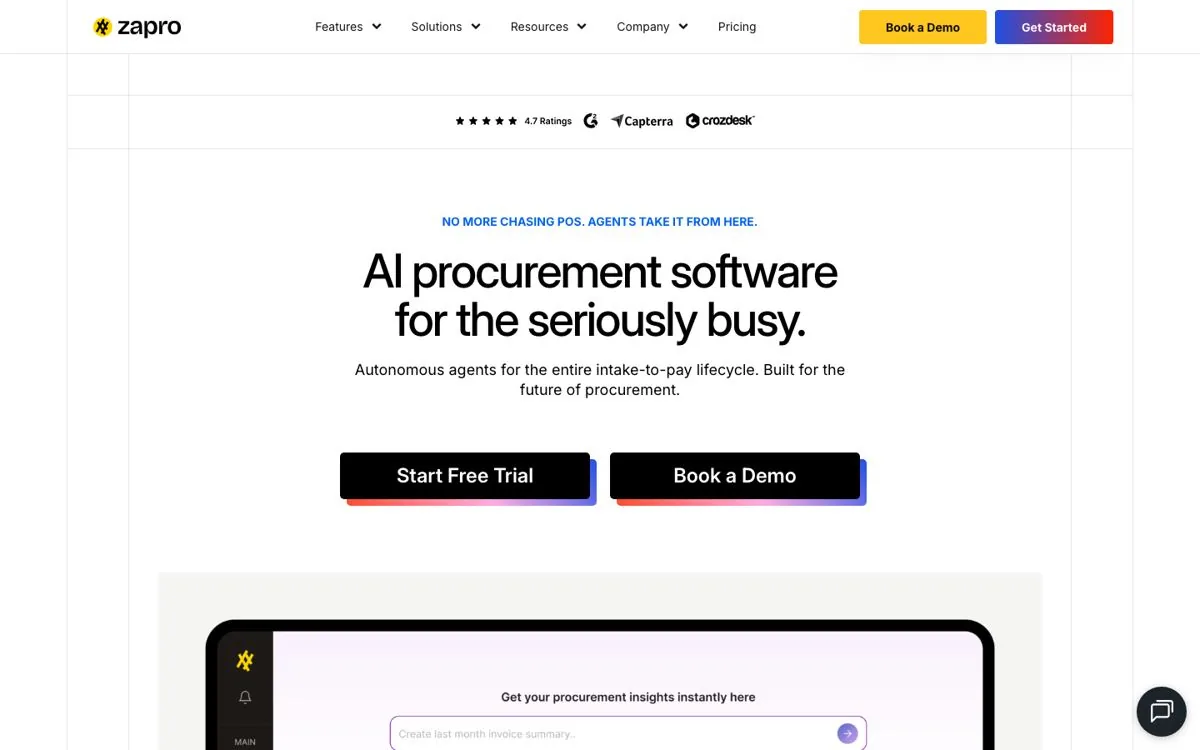
Zapro is a strong SpendMap alternative for mid-market teams whose gap is sourcing, contracts and approvals before the PO, not purchase orders alone. This AI-native procurement software covers intake, approvals, RFI and RFP events, contracts, POs and invoice matching, with unlimited users. Plans start at $699 a month, and your bank or ERP pays suppliers.
Key features 3 features
- Approvals routed by amount, category or vendor
- 2-way and 3-way matching with an exception queue (3-way on Growth and up)
- RFI, RFQ and RFP events, plus contracts with renewal alerts
Pros and cons 2 pros, 3 cons
Pros
- Unlimited users: every plan includes unlimited users, so extra approvers never add to the monthly bill
- Published prices: Spark is $699 a month and Growth $1,999, so you can budget before you talk to sales
Cons
- No payments: Zapro prepares payment batches, but your bank or ERP sends the money, so supplier payments stay outside Zapro
- No free plan: Spark starts at $699 a month, so one buyer who only needs POs pays less on SpendMap Free
- Vendor caps: Spark covers up to 50 active vendors and Growth up to 500, so supplier-heavy teams need a higher tier
Pricing
Spark $699 a month (up to 50 vendors), Growth $1,999 a month (up to 500 vendors), Scale on custom pricing, as published on zapro.ai in November 2026. The pricing page lists 3-way matching and contract authoring in the Growth plan's AI suite.
Best for
Mid-market teams that have outgrown purchase order software and want sourcing, contracts and matching with unlimited users.
Verdict
Verdict: Pick Zapro if you need sourcing, contracts and matching for many users. Stay with SpendMap Free if one buyer only needs POs.
Tradogram: best for low-cost broad procurement
Best for Low-cost broad procurement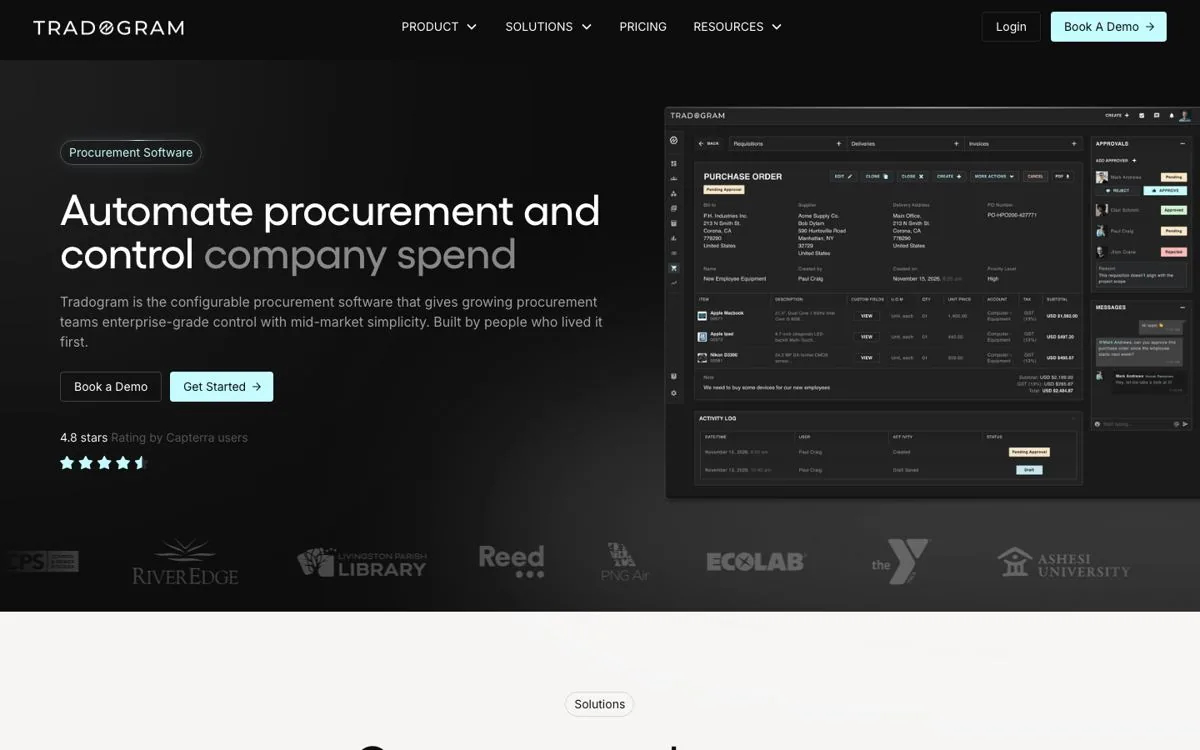
Tradogram fits small and mid-sized purchasing teams that want broad procurement at a low entry price. It covers requests, POs, receiving, AP with 3-way matching, RFQs, inventory, expenses and TradoPay supplier payments to 150+ countries. Essentials starts at $99 a month, but per-user fees, integrations and setup cost extra.
Key features 6 features
- PO creation from online carts and scanned quotes
- AI invoice capture with automated 3-way matching
- RFQ and RFP with side-by-side bid comparison (Premium)
- Inventory with reorder alerts (add-on)
- TradoPay supplier payments in 150+ countries
- Vendor management with self-serve onboarding and scorecards
Pros and cons 2 pros, 2 cons
Pros
- Low entry price: Essentials is $99 a month, or $950.40 a year, so a small team can start without a large commitment
- Supplier payments: TradoPay pays suppliers in 150+ countries from inside Tradogram, so you can pay without a separate tool
Cons
- Paid add-ons: setup, ERP integrations and punch-out are add-ons on every plan, so the real price sits above $99
- Per-user fees: extra users cost more on top of the plan fee and the fee is quote-based, so get a quote at your user count
Pricing
Essentials $99 a month or $950.40 a year; Premium (20+ users) and Scale (unlimited users) by quote.
Best for
Small purchasing teams on SpendMap Pro that want RFQs, matching and supplier payments without moving to SpendMap's $300 a month Enterprise minimum.
Verdict
Verdict: Tradogram is a low-cost swap for SpendMap. Budget for setup and integration add-ons.
ProcurementExpress: best for nonprofit and grant-funded purchasing
Best for Nonprofit and grant-funded purchasing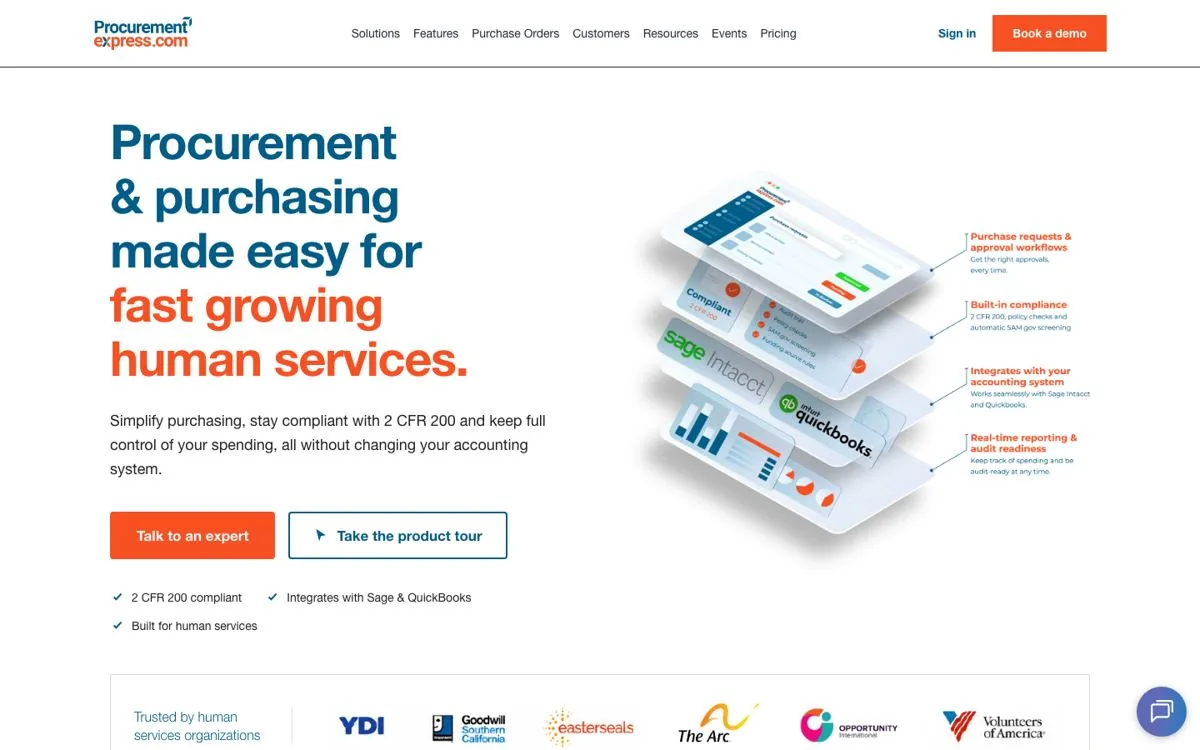
ProcurementExpress fits grant-funded nonprofits and human services teams that must follow 2 CFR 200. It is purchase order and approval software that sits alongside your accounting system, with budget checks on each order and SAM.gov screening. Plans are priced by monthly managed spend, not by user, so the fee rises with spend instead.
Key features 4 features
- Purchase requests with remaining budget shown to approvers
- SAM.gov screening and audit-ready PO and invoice records
- Amazon punch-out from Better; 100+ store punch-outs from Best
- Scan & Match on the Best plan and up
Pros and cons 2 pros, 2 cons
Pros
- Spend-based pricing: plans are priced by monthly managed spend, not users, so adding requesters does not raise the fee
- Free trial: a 14-day trial with full features lets you test it on real orders first
Cons
- Spend tiers: Basic covers up to $10,000 a month of managed spend, so higher-spend teams start at $900 or $2,550
- ERP limits: NetSuite and Dynamics sync only on the quote-priced Enterprise plan, so teams on those ERPs pay more
Pricing
Basic $415 a month (up to $10,000 managed spend), Better $900, Best $2,550, Enterprise by quote.
Best for
Nonprofits and grant-funded groups on QuickBooks or Sage that want PO approvals and audit trails without per-user fees.
Verdict
Verdict: ProcurementExpress fits grant-funded teams. Commercial teams with high spend will find the spend tiers climb fast.
ProcureDesk: best for fast US setup with punch-out
Best for Fast US setup with punch-out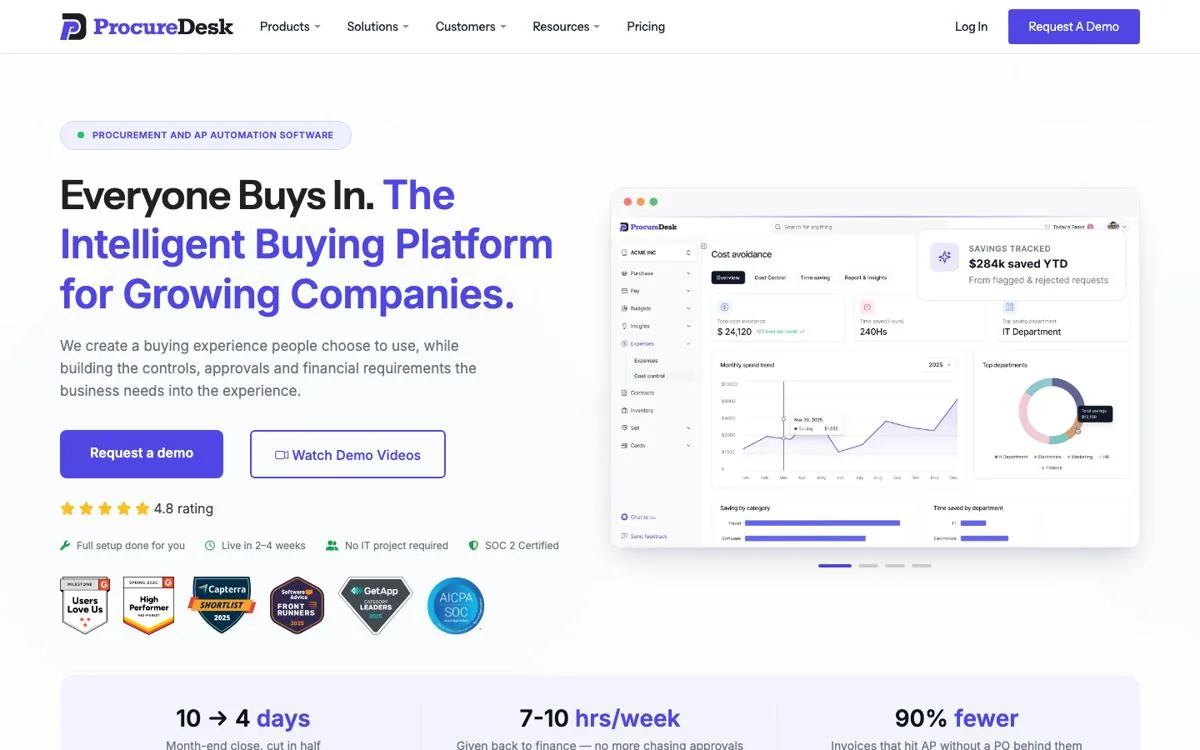
ProcureDesk fits US finance teams that buy a lot through punch-out catalogs and want setup done for them. It covers requests, approvals, POs, receiving, 3-way matching with OCR and domestic bill pay, with 200+ punch-out catalogs. Startup costs $830 a month billed annually, more than SpendMap Pro, and payments are domestic only.
Key features 5 features
- Basic 3-way matching with OCR on Startup; advanced on Growth
- 200+ punch-out catalogs, including Amazon Business and Grainger
- Bill pay by ACH, check and virtual card
- Budget controls on every request
- Expense reports on all plans
Pros and cons 2 pros, 2 cons
Pros
- Fast rollout: its pricing page quotes 2 to 3 weeks to go live, with setup done by ProcureDesk, which cuts internal project time
- Catalog buying: 200+ punch-out catalogs, including Amazon Business and Grainger, keep MRO and office buying inside approvals
Cons
- Domestic payments: Bill Pay covers ACH, check and virtual card for US suppliers only, so overseas suppliers need your wire process
- Supplier portal on Enterprise: the supplier self-service portal sits on the custom Enterprise plan, so budget for it if suppliers must update records
Pricing
Startup $830 a month billed annually ($9,960 a year, 10 users); Growth $1,250 a month ($15,000 a year, 20 users); $20 a month per extra user; Enterprise custom.
Best for
US companies that buy MRO and office supplies through punch-out and want matching and bill pay set up for them.
Verdict
Verdict: ProcureDesk is a fast route to punch-out buying and matching. Teams paying suppliers abroad will need another tool.
Also worth a look: SAP Ariba, if you are a large enterprise or run SAP; its Ariba Snap edition is packaged for midsize companies. Stampli fits AP-led teams, with unlimited users, entities and vendors in its AP package. Ramp and Brex are card-led; Ramp sells procurement as a paid add-on. Airbase is now sold as part of Paylocity for Finance.
SpendMap alternatives: feature-by-feature comparison
Compare SpendMap alternatives on the work you do every day: invoice capture and matching, approvals, requests and POs, sourcing and contracts, and supplier payments. All six alternatives are purchasing tools, so each is set against SpendMap's own modules, with the plan named where a feature costs more.
| Tool | Invoice capture and matching | Approvals | Requests and POs | Sourcing and contracts | Supplier payments |
|---|---|---|---|---|---|
| SpendMap | Supplier invoice approval; AI Auto-Match on Enterprise | Request approvals with budget controls | POs and receiving on Free; requests on Pro | RFQ module; no contract module | No payment module |
| Procurify | AP add-on; 2-way and 3-way matching | By department, location, account code or amount | Order requests and POs in the core product | Contracts add-on; no sourcing | ACH, check, wire; 190+ countries |
| Precoro | 2-way and 3-way on Core; AI capture on Automation | No-code routing; email, Slack, Teams or mobile | Bulk, blanket, recurring and service POs | Contract repository on Core; RFPs on Automation | ACH, wire and international transfers |
| Zapro | OCR capture; 2-way matching, 3-way on Growth | Routed by amount, category or vendor | Intake, requests and POs on every plan | RFI and RFP on every plan; contract authoring on Growth | Prepares the payment batch; your ERP or bank pays |
| Tradogram | AI capture with automated 3-way matching | By amount, department, GL code or project | POs on all plans, from carts and scanned quotes | RFQ, RFP and contracts on Premium | TradoPay, 150+ countries |
| ProcurementExpress | Scan & Match on Best plan and up | Routed to approvers with remaining budget shown | Purchase requests and POs with budget checks | No sourcing or contract module | No payment module |
| ProcureDesk | OCR 3-way match on Startup; advanced on Growth | All plans; auto-escalation on Enterprise | Requests, POs and blanket POs on all plans | Contracts add-on; no sourcing | US only: ACH, check, virtual card |
How SpendMap alternatives charge
SpendMap pricing is per module per user each month, with minimums of $150 on Pro and $300 on Enterprise. A free plan covers one user. Its alternatives charge by managed spend (ProcurementExpress), plan plus per-user fees (Tradogram, ProcureDesk), annual plans with user limits (Precoro), quote (Procurify) or flat Zapro pricing.
| Tool | Pricing model | Starting price |
|---|---|---|
| SpendMap | Per module per user per month; on-premise license by quote | $0 (Free, 1 user) |
| Procurify | Quote by modules and Pro users | Vendr median $15,000 a year |
| Precoro | Annual platform plan with user limits by tier | $499 per month |
| Zapro | Flat monthly plan by active vendors; unlimited users | $699 per month |
| Tradogram | Plan fee plus per-user fee | $99 per month |
| ProcurementExpress | Flat fee by monthly managed spend | $415 per month |
| ProcureDesk | Platform fee with included users, plus $20 per extra user | $830 per month |
Questions to ask any SpendMap alternative
Before you choose a SpendMap alternative, ask every vendor the same six questions in writing. Which features sit on the plan you are quoted? How does the price grow with users? Which accounting system does it sync with? Can it import your open POs? How long is rollout, and which spend reports come with it?
| Question | Why it matters | What a strong answer includes |
|---|---|---|
| Which features are on the plan you are quoting? | Matching, punch-out and supplier portals often sit on top tiers. | A feature list tied to the exact plan and price. |
| How does the price change as we add users? | Per-user pricing grows with every requester and approver. | A yearly price at your real user count, with the cost per extra user. |
| Which accounting system do you sync with? | Manual re-entry wipes out the time saved on POs. | Your system named, with vendors, POs, receipts and bills listed. |
| Can we import our open POs and vendor list? | Years of SpendMap records need a clean move. | A tested import of your own file during the trial. |
| How long is the rollout, and who does the work? | Setup time is the hidden cost of a switch. | A dated plan with your team's hours estimated. |
| Which spend analytics come on our plan? | SpendMap keeps executive dashboards on Enterprise. | Spend by vendor, category and department, shown on your plan. |
Which SpendMap alternative should you choose in 2027?
The best SpendMap alternative depends on the jobs you need beyond purchase orders. For matching on a published plan, start with Precoro or ProcureDesk; for buying plus supplier payments, Procurify. Tradogram is the lowest-priced and ProcurementExpress suits grant-funded teams. For sourcing and contracts with unlimited users, look at Zapro.
A practical shortlist for a mid-market team: Precoro, Procurify and Zapro. Import your open POs and vendor list into each trial and run one request to a matched invoice. Then size the payback with our procurement ROI calculator.
Frequently asked questions
What is the best alternative to SpendMap?
Precoro suits most mid-sized teams that want SpendMap's Enterprise features, like matching and inventory, on a published plan. Procurify adds supplier payments to 190+ countries. Tradogram is the lowest-priced paid option at $99 a month, and Zapro suits teams that also need sourcing and contracts.
Who are SpendMap's main competitors?
SpendMap's main competitors in purchase order software are Procurify, Precoro, Tradogram, ProcurementExpress, ProcureDesk and Zapro. Large enterprises also compare SAP Ariba and Coupa, and card-led teams look at Ramp. Review sites also list expense and card tools, which cover a different job.
How much does SpendMap cost?
SpendMap Free is $0 for one user with POs and receiving. Pro costs $15 per module per user per month with a $150 monthly minimum. Enterprise is $20 per module per user with a $300 minimum. On-premise perpetual licenses are priced by quote, on request.
Is there free purchase order software like SpendMap?
SpendMap's own Free plan covers one user with POs and receiving. Among the paid alternatives on this page, Tradogram starts lowest at $99 a month. ProcurementExpress offers a 14-day free trial with full features, so you can test it on real orders.
Does SpendMap work with QuickBooks?
Yes. SpendMap names QuickBooks Online and QuickBooks Desktop among its integrations. It added an API framework in version 16.2 and offers custom integrations on Enterprise. If you run NetSuite or Sage Intacct, check the sync live before you commit.
Which SpendMap alternative includes 3-way matching on its entry plan?
Precoro and ProcureDesk include 3-way matching on their entry plans: Core at $499 a month and Startup at $830 a month, both billed annually. Zapro offers 2-way matching on Spark and 3-way on Growth, and SpendMap keeps AI Auto-Match on Enterprise.
Go beyond purchase orders
See how Zapro handles requests, approvals, RFQs, POs and 3-way matching for a mid-market team, with unlimited users on every plan.
Sources: SpendMap pricing tiers; SpendMap modules; SpendMap reviews on Capterra; Precoro pricing; Tradogram pricing; ProcurementExpress pricing.